

Have you noticed that some status updates in WhatsApp can be reshared, but some cannot? Here is a simple explanation.
1. When someone mentions you
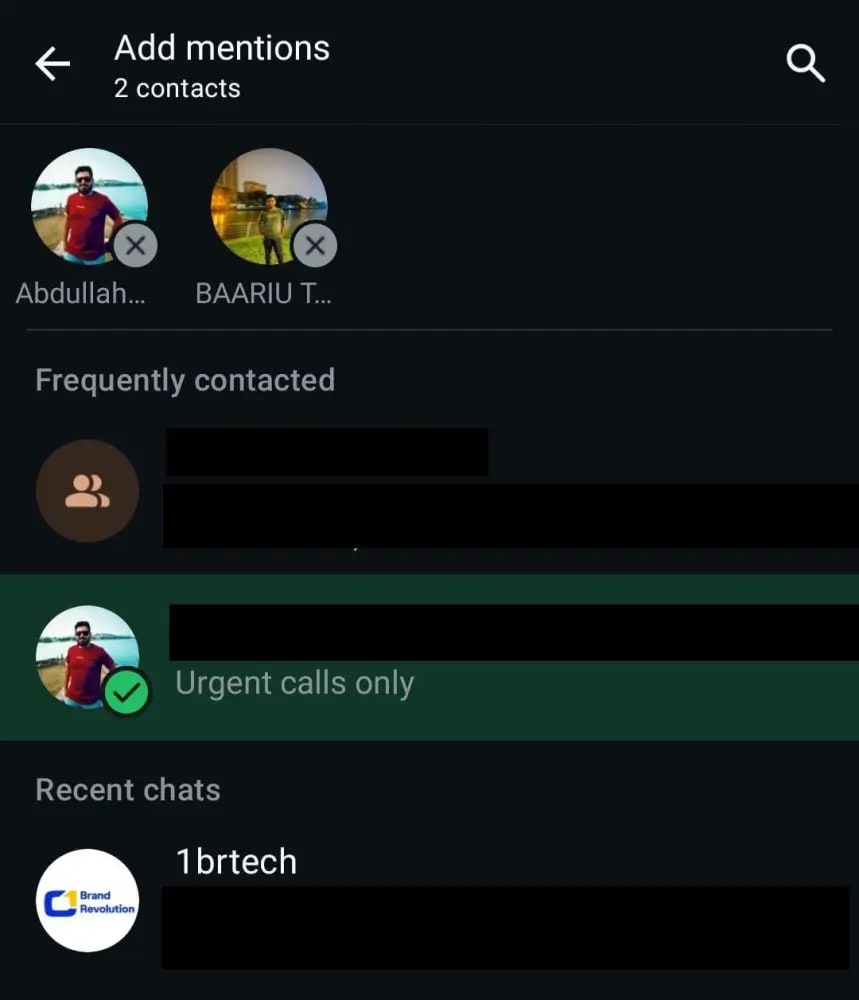
If a person posts a status and mentions (@) you, you can reshare it to your status. You will see "Reshare" or "Add to your status."
2. Normal status posts
If someone posts a photo, video, or text without mentioning you, the reshare button will not appear.
3. Channel updates
Some channel updates may allow resharing, depending on how they are posted.
4. Privacy settings
If the user has limited privacy settings, the reshare option may not be available.
☀️ Conclusion
You can usually reshare a status only if you are mentioned or sharing is allowed.